HD Streamz for PC: APK Download and Setup
See how to use the HD Streamz Android APK on a Windows PC with an emulator, or mirror your phone to a larger screen.
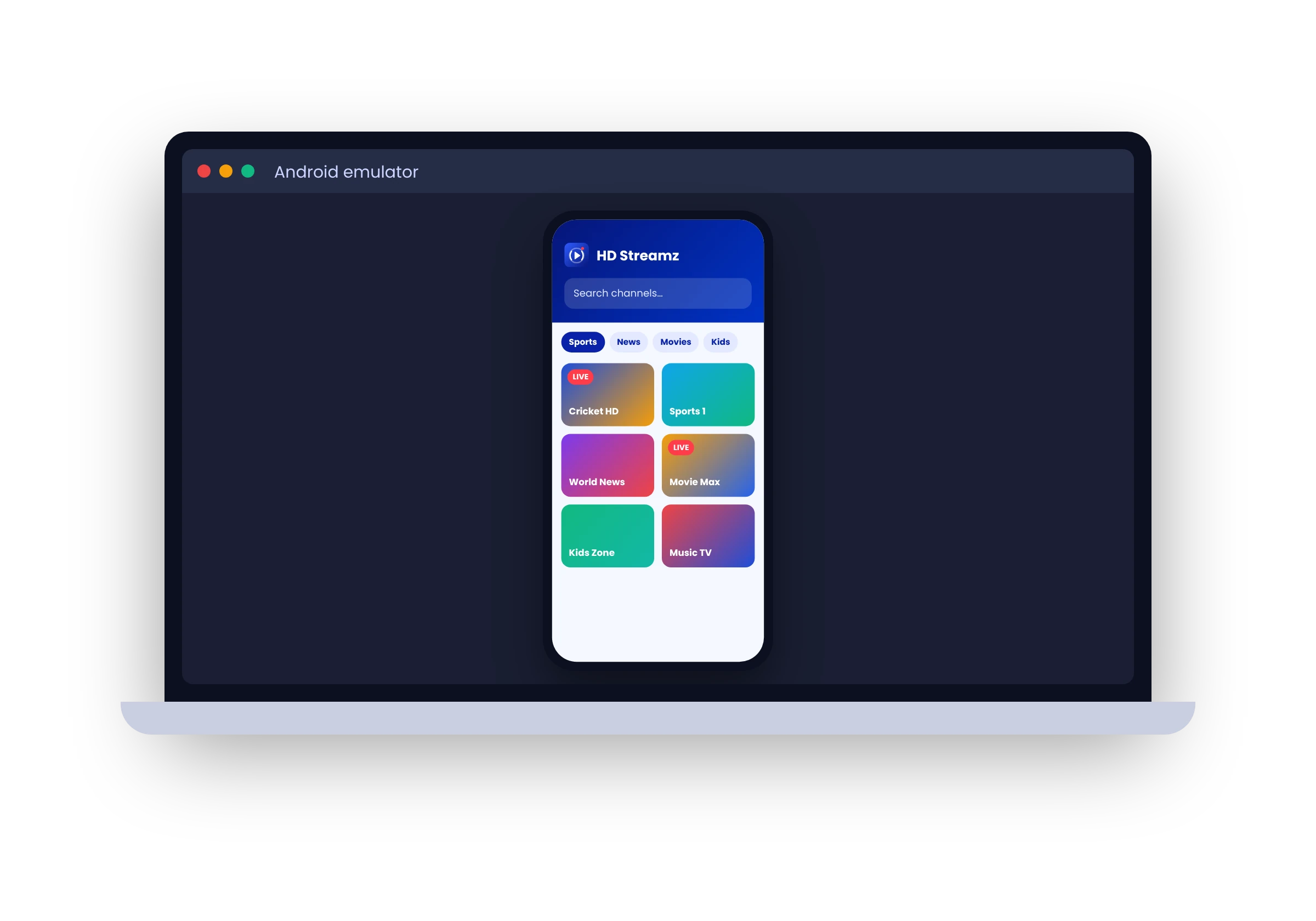
Download HD Streamz for PC
The HD Streamz download is an Android APK. Windows and macOS cannot install that file directly. Use an Android emulator that supports your computer, or mirror a compatible phone if you only need a larger screen.
- Android emulator
- Runs the app inside a separate Android environment on your computer.
- Phone mirroring
- Shows your phone’s screen on your computer while the app runs on the phone.
Set up HD Streamz in an Android emulator
- Check the emulator’s operating system, processor and memory requirements.
- Install the emulator from its publisher and launch it.
- Download the APK and open it using the emulator’s APK installation option.
- Read the permissions and any warnings before continuing.
If playback stutters
Try a video in another Android app inside the emulator. If both stutter, check available memory and graphics settings. If only one station fails, the feed may be the issue. See HD Streamz troubleshooting for other symptoms.