HD Streamz for Firestick: APK Download and Setup
Check whether your Fire TV device supports Android APKs, then find the HD Streamz download and installation steps for compatible Firestick models.
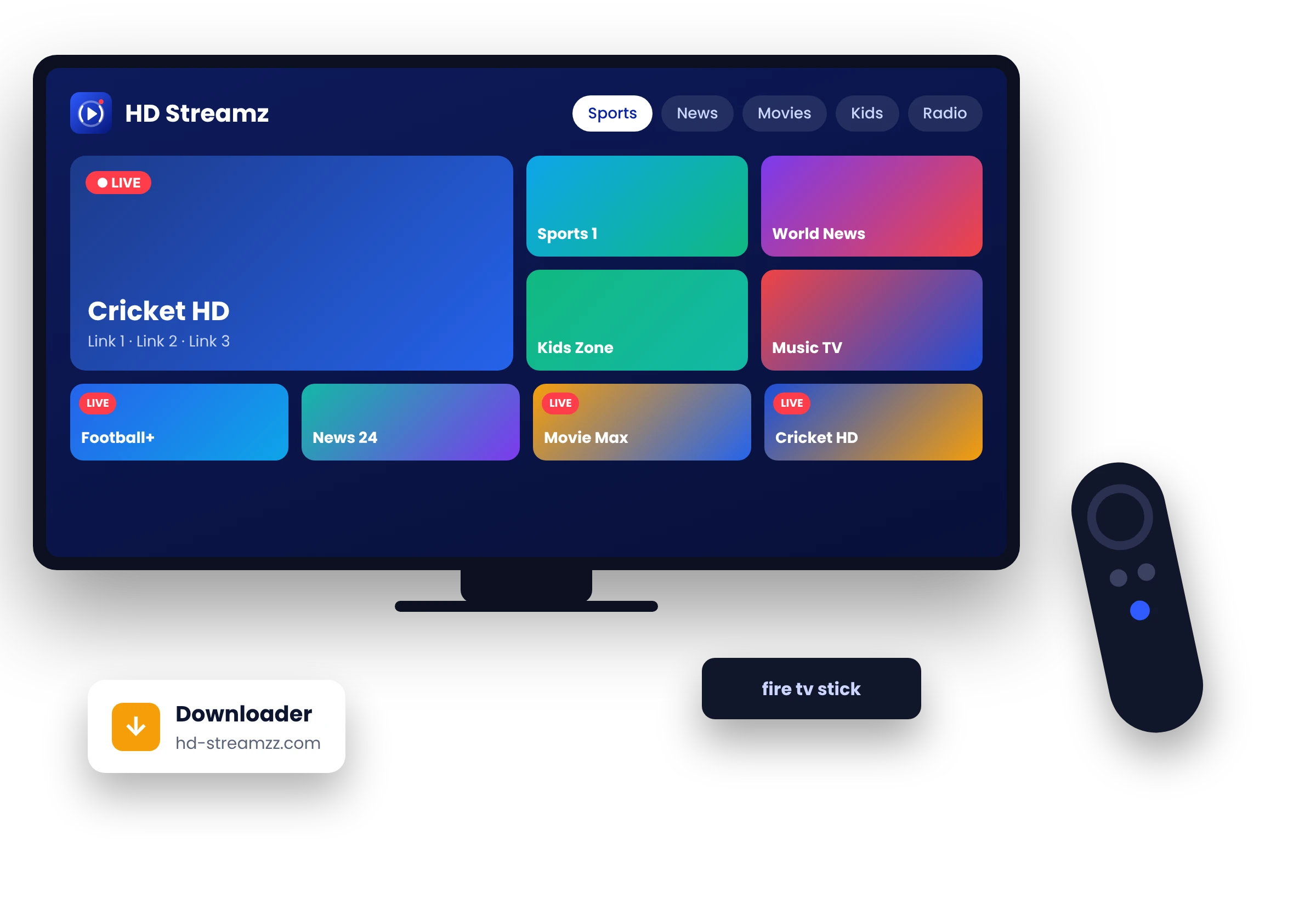
Check your Fire TV before downloading
Open Settings and find your model under My Fire TV or Device & Software. Check its operating system against the model details from Amazon.
- Fire OS
- Some models support installing Android APKs. Installation depends on your model, settings and device restrictions.
- Vega OS
- The Android APK on this site is intended for Android-based devices. Check the Amazon Appstore for apps supported by your model.
Download HD Streamz for a compatible Firestick
On a Fire OS device that allows APK installation, open this site in your browser or a downloader app from the Amazon Appstore. Go to the HD Streamz APK download and select the file. Review the installer prompts and revoke temporary install permission afterward.
If Fire TV blocks the app
Read the message and follow Amazon’s device guidance. If your model cannot install or run the APK, use an app available through the official store for your device.