HD Streamz Not Working? Fix Playback and APK Errors
Troubleshoot HD Streamz buffering, black screens and APK installation errors. Use the symptom to narrow down whether the issue is your device, network or feed.
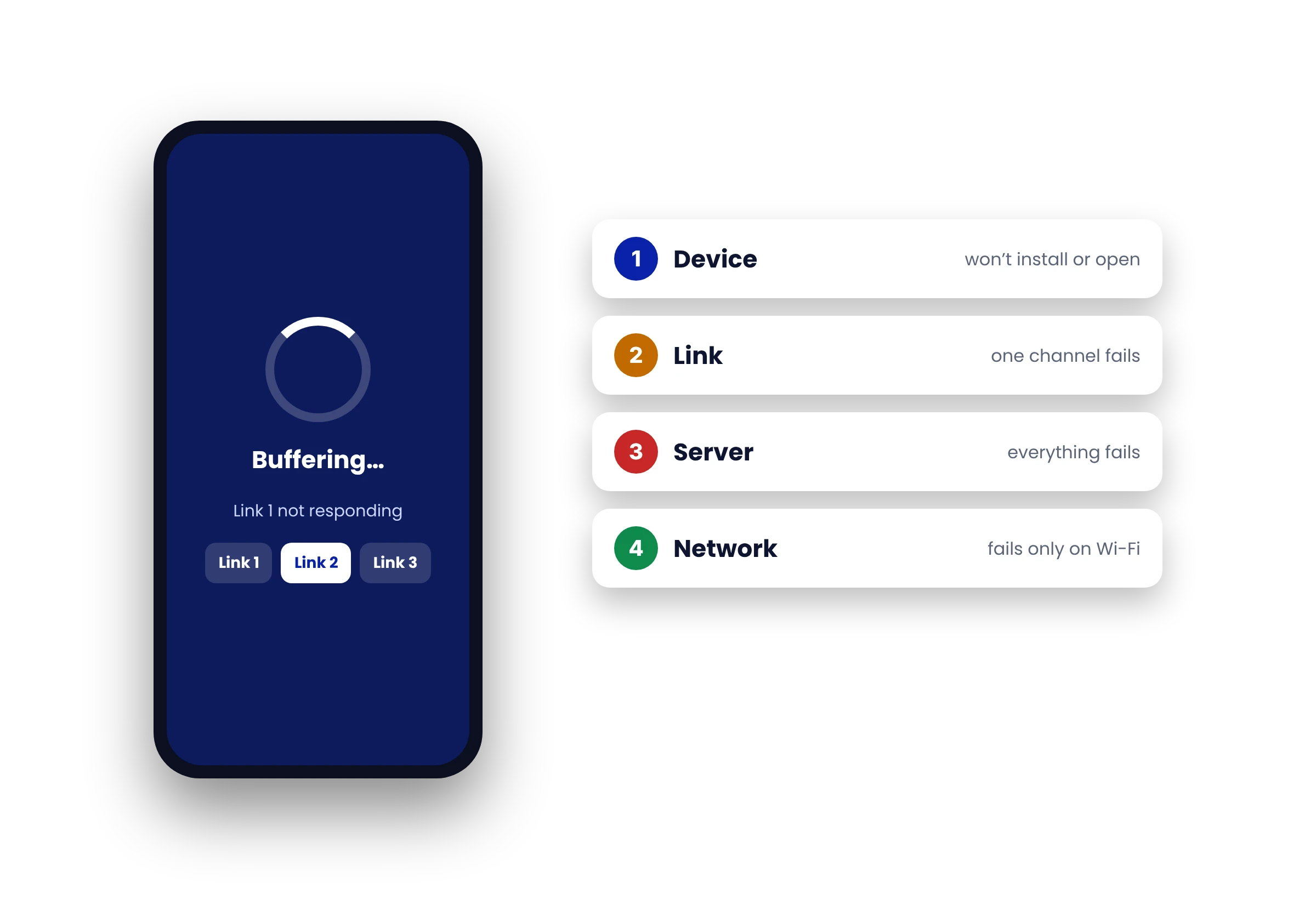
Start with a quick playback test
Open another station in HD Streamz. Then play a video in another app on the same device and network. The two tests help you narrow down where to look.
- Only one station fails
- The station’s feed may be down. Try it again later.
- Several apps buffer
- Check Wi-Fi strength and pause any large downloads. Test near the router if possible.
- HD Streamz alone fails
- Restart it and check available storage. On Android, try clearing the app cache before clearing data, which can reset its settings.
Fix common APK installation errors
App not installed
Check that the download finished and your device has enough free space. An existing copy signed by a different publisher may also prevent an update. Check the source of both copies before replacing an installed app.
Security warning
Leave device protection enabled. See what to check before installing. If you need the current file listed on this site, open the HD Streamz APK download.