Is HD Streamz Safe? APK Checks Before You Install
Learn what to check before installing HD Streamz APK, including its publisher, signature, requested permissions and Android security warnings.
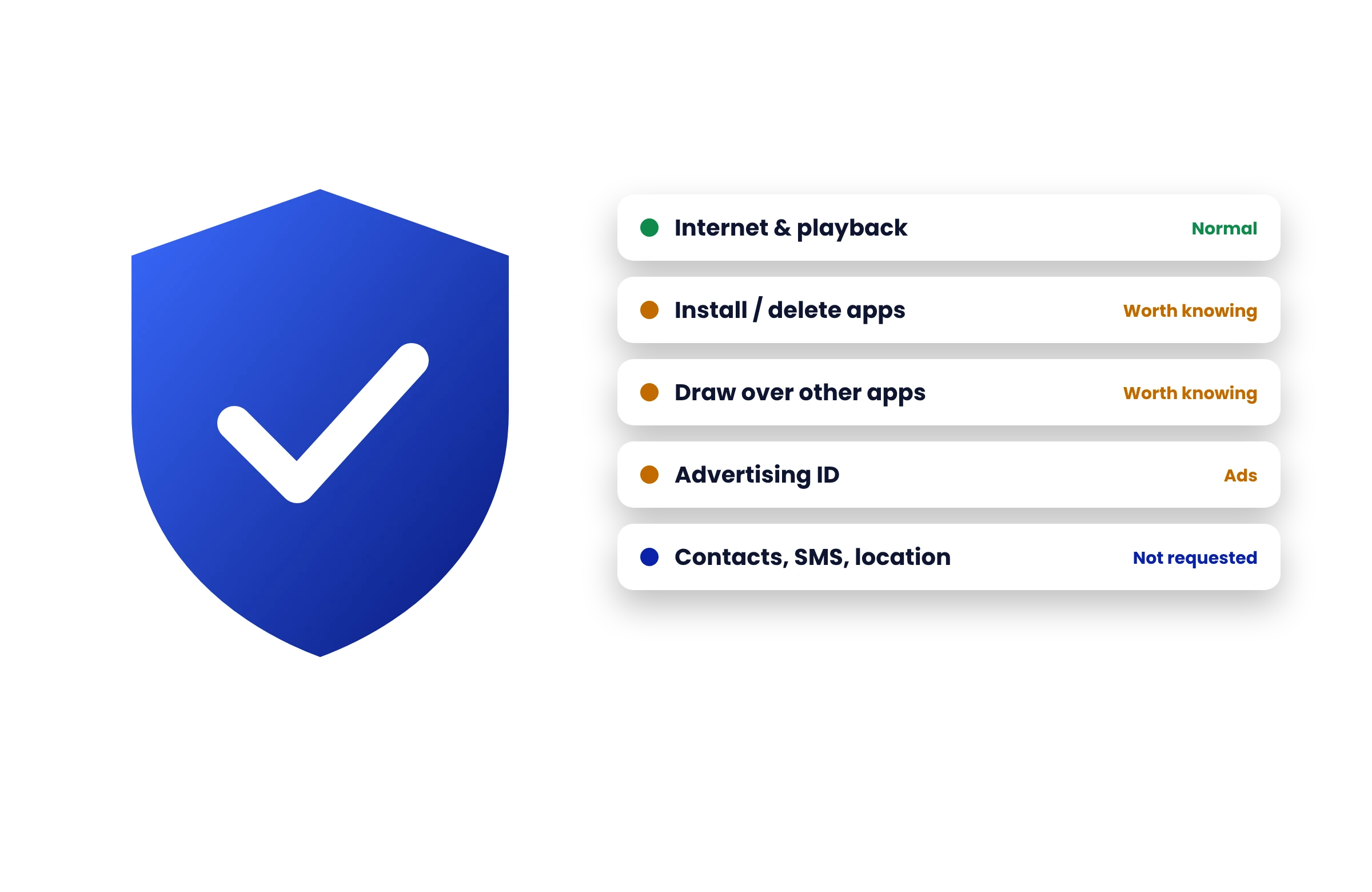
What you can verify about an APK
Start with where the file came from and who signed it. Two APK files can have the same name and version but contain different code. File size helps spot a mismatch, but it cannot identify a trusted publisher.
- Digital signature
- Identifies the signing key used for the package. Compare it with a trusted publisher record if one is available.
- File hash
- Identifies an exact copy of a file. Compare it with a hash from a source you trust.
- Permissions
- Show what the app asks to access. Pause if a streaming app requests contacts, text messages or accessibility access without a clear reason.
What to do if Android shows a warning
Leave Play Protect enabled and stop if it blocks the file. A clean scan is one piece of evidence and cannot guarantee how an app will behave after installation.
Already installed the app?
Review its permissions in Android Settings. Revoke access you don’t need and uninstall it if you cannot verify the source. See alternatives for live TV and sports if you prefer an app from your device’s store.